 Christmas Pet Cards
Dog Christmas cards made from your photo
Add one photo of your dog and the app turns it into a Christmas card, usually in 10 to 30 seconds. There are 39 styles. The first card is free, with a small watermark and a choice of a few looks. You send it straight from your iPhone.
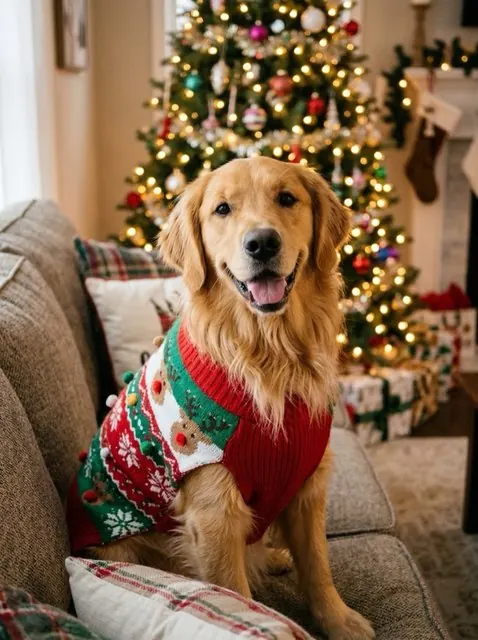
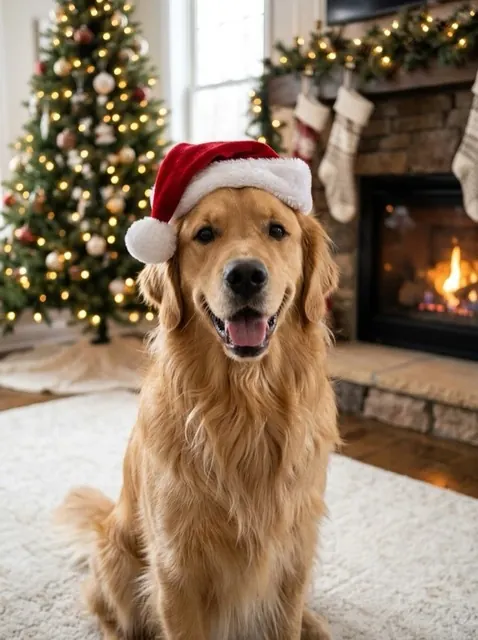
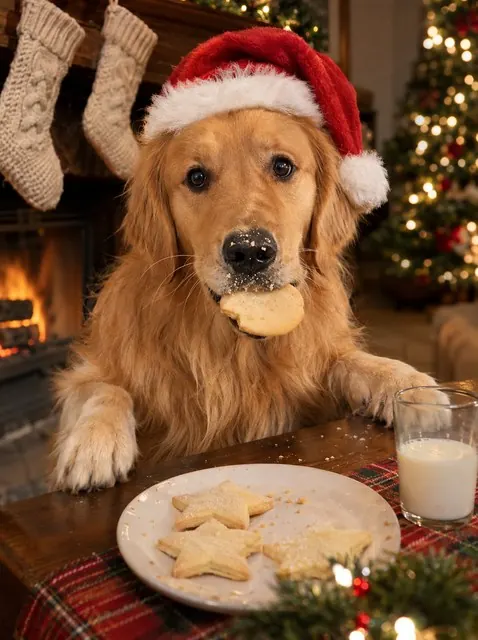


For iPhone, iOS 18.6 or later. On a computer, scan the code with your iPhone camera. Looking for the cat cards?
Updated November 24, 2026
One photo, before and after
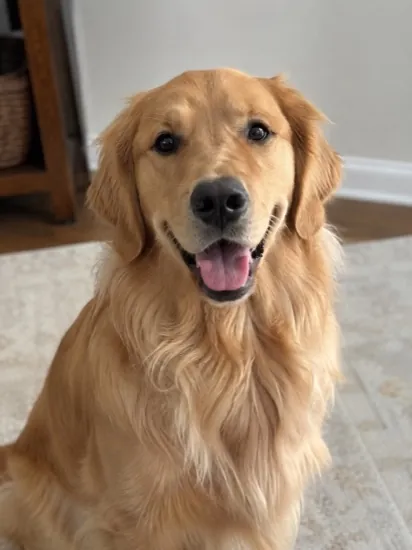
The photo on the left has no costume and no tree in it. The card on the right is what the app made from it. The hat, the scarf and the fireplace are new. Compare the face, the ears and the coat with the photo to see how close it stays.
Pick a photo where your dog looks toward the camera and nothing covers the face. Daylight from a window is usually enough.
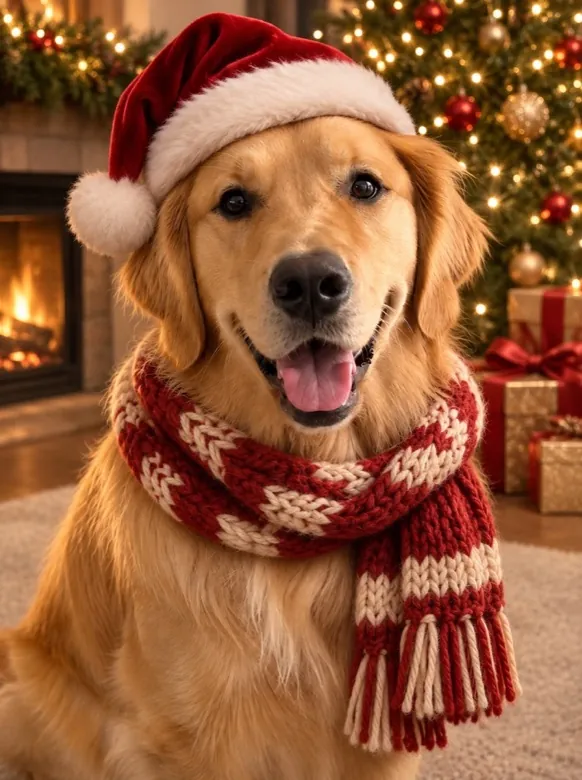
Five of the 39 dog styles
You’ll see all 39 in the app. Thirty need no subscription and nine come with DogCards Plus, $49.99 a year in the US App Store (read November 24, 2026). Nutcracker Guard is one of the nine.
Santa by the Fireplace Ugly Sweater 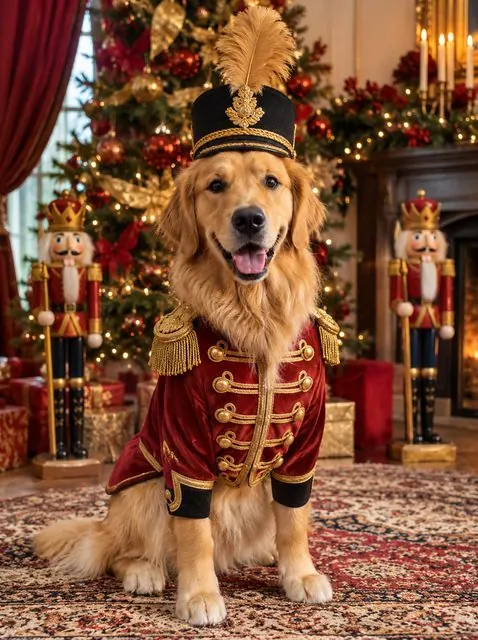
Nutcracker GuardDogCards Plus 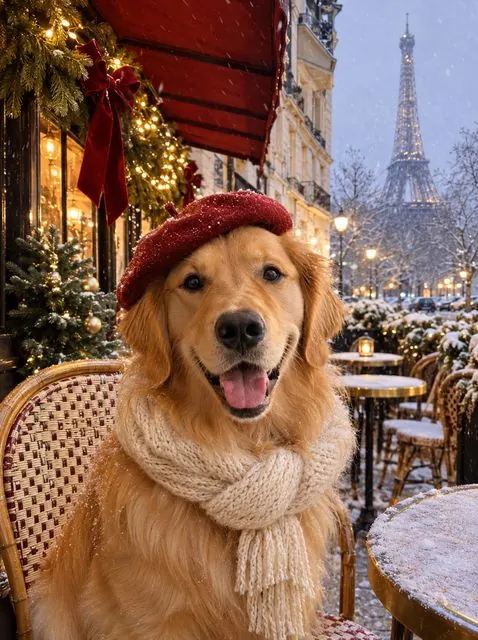
Christmas in Paris Cookie Thief
How to make a Christmas card with your dog
Add a photo and pick a look
Use the camera, your library or your last photo. Good light and a visible face help.
Wait about half a minute
It usually takes 10 to 30 seconds. AI turns the photo into a portrait in 3:4 format.
Save it or send it
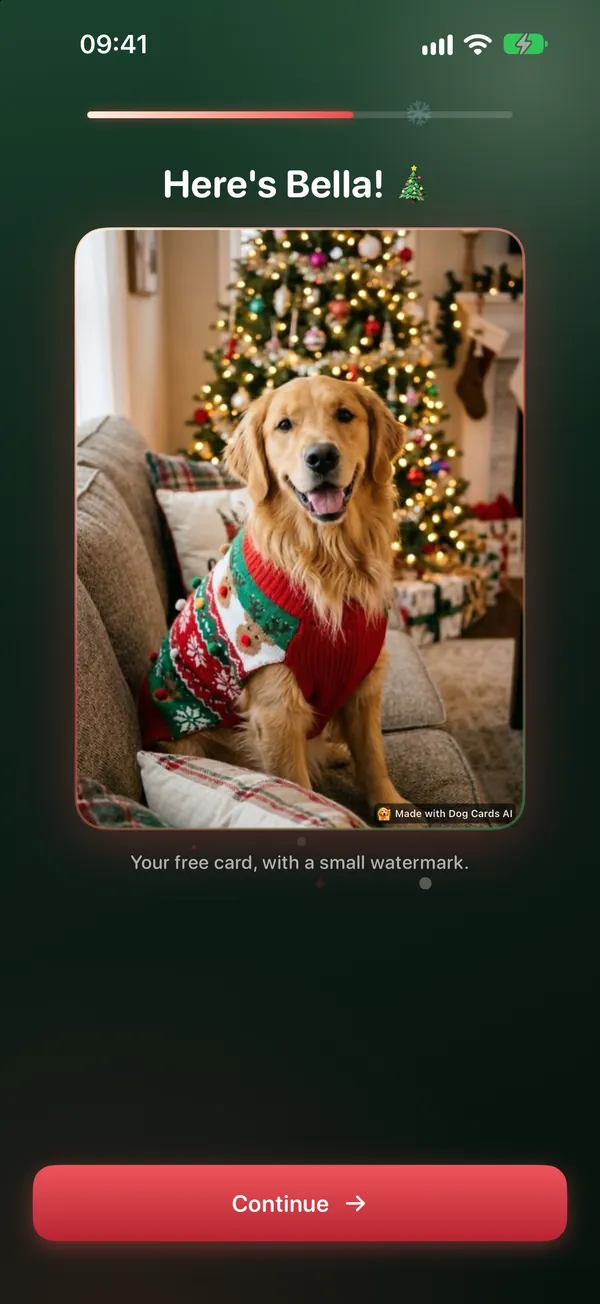
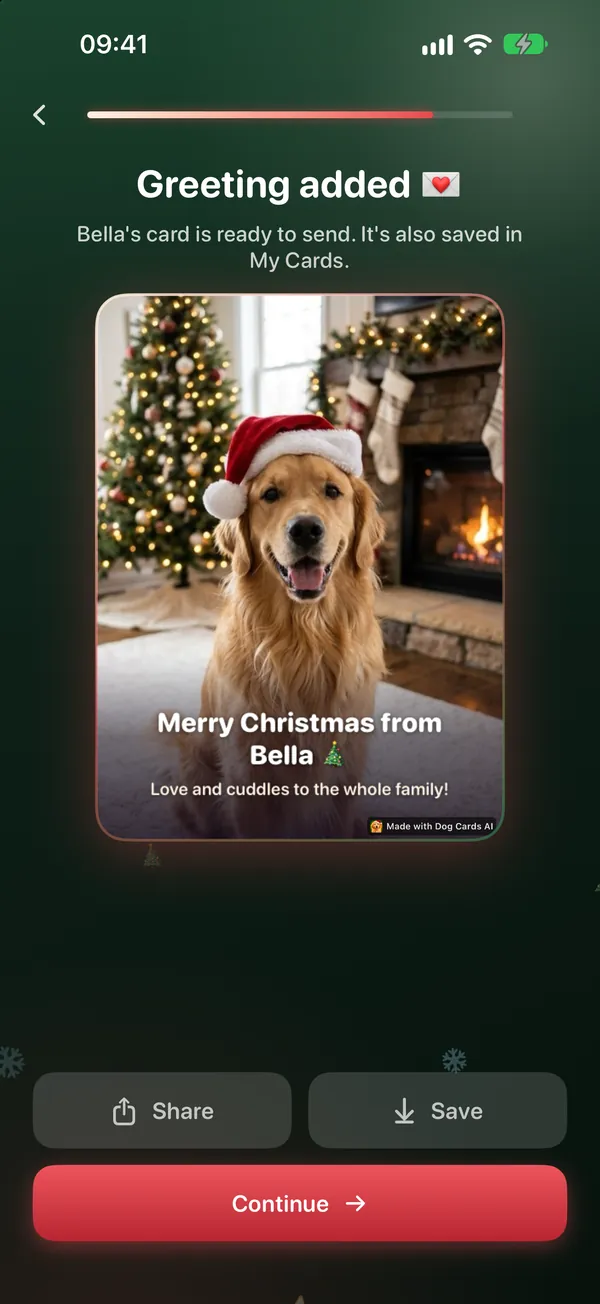
The first card gets a greeting with your dog’s name. Share it in Messages or WhatsApp, or save it to Photos.
What a card costs
| What | Price | What you get |
|---|---|---|
| First card | Free | One card with a small watermark, in one of a few looks the app offers for it |
| Magic Bundle | $5.99 once | 175 Treats, enough for 7 cards, no watermark |
| Ultimate Party | $12.99 once | 400 Treats, enough for 16 cards, no watermark |
| DogCards Plus | $49.99 a year | All 39 dog styles, no watermark, Treats topped up to 150 (6 cards) every month |
What you get
A digital Christmas portrait of your dog in 3:4 format. Save it to Photos, share it from the iPhone share sheet, or make a PDF on a US Letter page with a small “Made with” line. My Cards keeps every card on your iPhone.
Nothing is mailed to you. If you want paper, print the file yourself and check its pixel size against the card size first.
The first card has a fixed greeting with your dog’s name. Later cards are the picture alone, which leaves room for your own words in the message you send with it.
Which photo of your dog to use
One dog with a visible face works best. The app gives you three tips when you add the photo:
- Good light, no harsh shadows
- Face and eyes clearly visible
- Close enough to see the details
Want a new one? The dog Christmas photo ideas have 14 setups with phone settings.
Questions about dog Christmas cards
How do I make a Christmas card with my dog’s photo?
Open Christmas Dog Cards on your iPhone, take a photo or choose one from your library, and pick a Christmas style. The card is usually ready in 10 to 30 seconds. Then save it to Photos or share it.
How much does a custom dog Christmas card cost?
The first one is free with a small watermark. After that a card costs 25 Treats. The Magic Bundle is $5.99 for 7 cards and Ultimate Party is $12.99 for 16 cards, so a card comes to 81 to 86 cents (US App Store, read November 24, 2026).
Will the card look like my dog?
The portrait is made from your photo, and the before and after on this page shows how close it can get. AI pictures vary from card to card. A sharp photo with the face and eyes in plain view gives it the most to work with, and the first card is free, so you see your own dog before you pay.
Can two dogs be on one card?
The app is made for one dog at a time. Its own tip says one dog with a visible face works best, so choose a photo of one dog for each card.
What do you write on a Christmas card from the dog?
The first card comes with a fixed greeting, “Merry Christmas from” and your dog’s name, plus a second line that depends on who it is for. You cannot type on the card, so your own words go in the message. The dog message page has lines to copy.
Can I print a Christmas card with my dog on it?
The app gives you a digital image in 3:4 format, or a PDF on a US Letter page with a small “Made with” line. You print it yourself or order prints elsewhere. Check the pixel size of your saved file against the card size first.
What happens to my dog’s photo?
It is sent over HTTPS to Google’s Gemini AI service only to make the card. It is not stored on our servers and not used to train our own models. There is no account, and finished cards stay on your iPhone. The privacy policy has the rest.
For the rest of the card
- What to write in a Christmas card from your dog
Lines for family, friends and the sitter, and a message maker.
- Dog Christmas captions
For the photo you post on the day.
- Dog Christmas photo ideas
Fourteen setups for home and for the walk.
- Christmas card sizes
Check whether your photo has enough pixels for the paper.
- How to send a Christmas card by text
From your phone, step by step.
- Pet Christmas card ideas
Ideas for a card with your dog or cat on it.
Make the first card free
The app offers a few looks for the free card, and it has a small watermark in the corner. For iPhone with iOS 18.6 or later.
On a computer, point your iPhone camera at the code.