 Christmas Pet Cards
Set the scene and wait
Cats come to look at anything that changed in the room. Put down the blanket or the box, sit on the floor with the phone upright, and wait. You will get further with ten quiet minutes than with calling.
Use daylight from a window with the flash off. Hold the phone at whisker height, tap the eyes to focus, and take a run of frames at each small movement. A pale cat stands out against red or green, and a dark cat against cream.
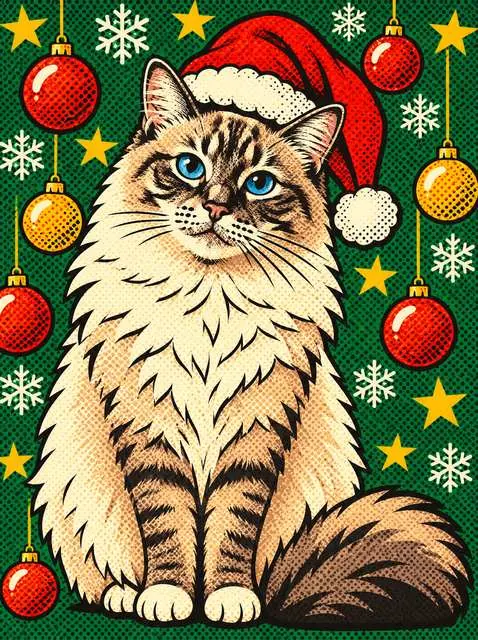
The cards shown on this page were made in the Christmas Cat Cards app from photos of the same cat. The app paints the scene, so your cat does not have to wear or untangle anything.
Twelve cat Christmas photo ideas
1. The box that came with the gift
Put an empty box in the middle of the floor with some plain paper in it and walk away. Photograph the cat sitting in it, and leave the ribbon out.
2. On window duty
Early afternoon, cat on the sill, you to one side. Turn the lamps off so the window lights the face, and catch the moment a bird goes past.
3. Under a bare tree
The first hour after the tree goes up is the good one, before there is anything on it to steal. Lie on the floor and shoot under the lowest branches.
4. The swat
Dangle a wand toy with a felt star on it, just above your phone. Shoot a fast run of frames while the paw is up. You will throw away most of them.
5. Lord of the cat tree
Place the cat tree or a cleared shelf about six feet in front of the Christmas tree. The lights blur behind the cat, who is at the height they like anyway and well away from the branches.
6. Asleep on something red
Lay a red or plaid blanket over the spot where your cat naps and come back in an hour. Take one picture asleep and one when the eyes open. Use the second one for a card, because the face shows.
7. The basket
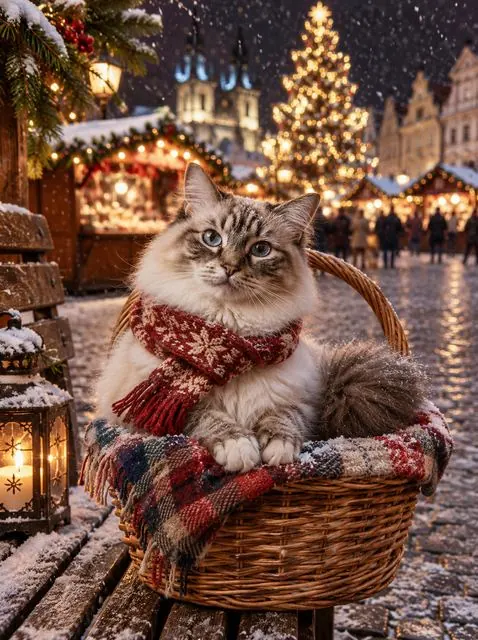
Put a folded plaid blanket into a wide basket and leave it near the tree. Wait for the kneading to finish before you move.
8. The kitchen supervisor
Before the oven is on, clear one end of the table and set out cookie cutters and a rolling pin. Photograph the cat from the far end, looking at you as if you were late.
9. Glow in the background
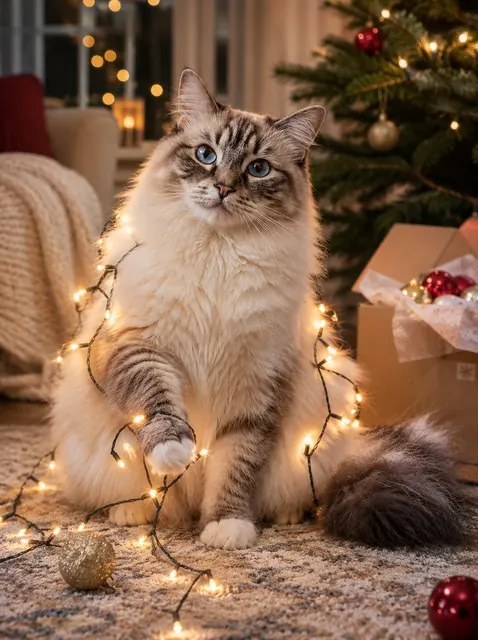
String lights on a shelf or a window frame behind the cat, plugged in out of reach. Get close to the cat so the lights turn into soft circles.
10. The official portrait
One armchair, one plain wall, the cat sitting up straight for once. Get lower than the seat so your cat looks down at you. They will agree with this angle.
11. In the family picture
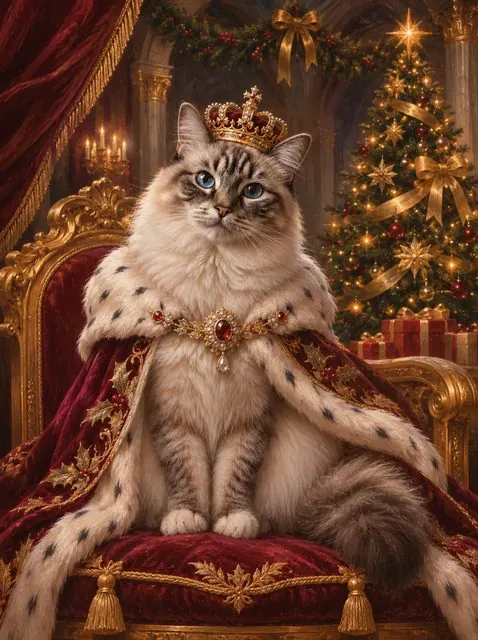
Let the person the cat likes sit down first and wait until the cat settles. Then everyone else moves in around them. The cat decides where the middle is.
12. The one you already have
Scroll back to any sharp photo where you can see both eyes, even one from July. It saves the whole shoot, and the app can add the Christmas.
About hats and costumes
Cats Protection, the UK charity, strongly advises against dressing cats up in any clothing or accessory, including Santa hats and antlers. They write that it can stress the cat and stop normal movement, such as grooming and stretching.
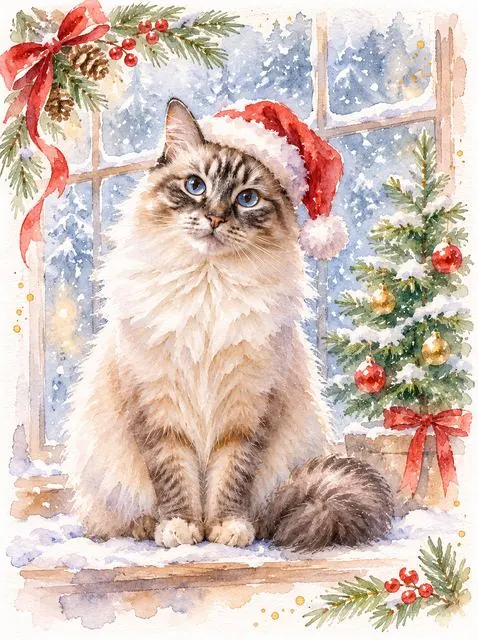
A folded bandana on the blanket next to the cat gives you the color. Or leave the outfit to the picture: the app put the hats below on the card, so no cat had to wear one.
When to stop
A relaxed cat has ears forward and rounded, half-closed eyes and a loose body, and may give you a slow blink. Put the phone away if you see flat ears, wide pupils, lip licking or a cat that crouches with the tail tucked in tight. Freezing counts as well, and is easy to mistake for posing. Leave the way out of the room open the whole time.
Props to keep out of the picture
- Tinsel and ribbon. Washington State University’s veterinary hospital explains that one end can get stuck while the gut pulls on the rest, and that swallowed tinsel can be deadly. Cornell says to avoid long ribbon ties on gifts under the tree.
- Candles. Cornell’s vets have treated singed whiskers and burned paws and suggest battery-operated ones.
- Glass ornaments and loose wires. Cats Protection warns that glass baubles shatter easily and recommends covering the wires to the tree.
- Lilies. The ASPCA says many holiday lilies are highly toxic and can cause kidney failure in cats.
- Real snow globes. The ASPCA says they are made with ethylene glycol, the chemical in antifreeze, so keep them out of reach.
- A tree that can tip. The ASPCA asks you to secure it and cover the water.
Make a card from the photo you got
The Christmas Cat Cards app turns one photo into a Christmas card. All 30 cat styles are open, with no subscription, and you’ll see all of them in the app. The first card is free with a small watermark. After that a card costs 25 Treats, and a one-time pack is $5.99 for 7 cards or $12.99 for 16 (US App Store, read November 24, 2026).


For iPhone, iOS 18.6 or later. On a computer, scan the code with your iPhone camera.
Questions about cat Christmas photos
How do I get my cat to look at the camera?
Hold a toy or a treat right above the lens and make a small new sound, such as scratching on the phone case. Take several frames at once, because you usually get one look.
How do you take a Christmas picture with a black cat?
Use a pale blanket and daylight from the side. Tap the face on the screen and slide the brightness up a little until you can see the fur.
Should I put a Santa hat on my cat for a photo?
Cats Protection advises against any clothing or accessories on cats, Santa hats included. Put the hat next to the cat, or add it in the picture afterwards.
Can I use an old photo of my cat for a Christmas card?
Yes. Pick a sharp one with the face and both eyes visible. Christmas Cat Cards takes a photo from your library and adds the Christmas scene.
When is a good time of day for cat photos?
Late morning or early afternoon near a window, when there is enough daylight to freeze a moving paw. Right after play and food, most cats settle down for a while.
More for your card
- Cat Christmas card messages
Lines from the cat for family, the sitter and the vet team.
- Cat Christmas cards from your photo
What you get, what is free and what each card costs.
- Pet Christmas card ideas
Ideas for a card with your dog or cat on it.
- Christmas card sizes
Check whether your photo has enough pixels for the paper.